Transform Poses by Matrix in Object Frames
Parameter Description
Visualization Settings
| Parameter | Description | ||||
|---|---|---|---|---|---|
Show Point Cloud In Selected Frame |
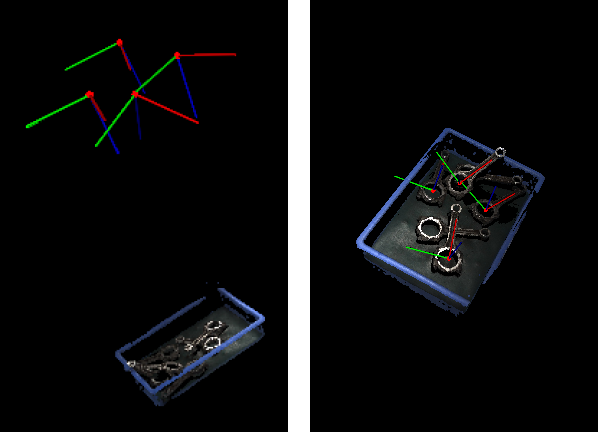
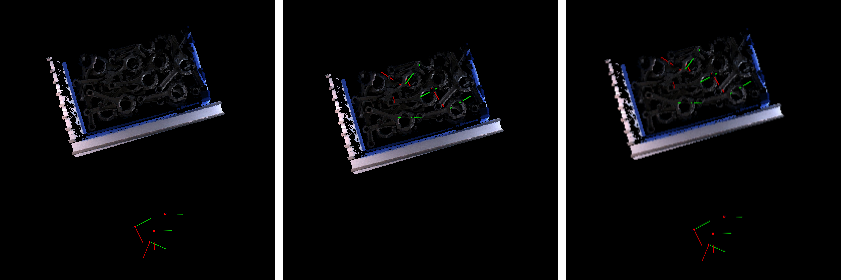
Description: Display point cloud under the robot reference frame or the camera reference frame. Default value: Robot Coordinate Value list: Robot Coordinate, Camera Coordinate Instruction: When this parameter is set to Robot Coordinate, the Debug Output panel will display the visualized output under the camera reference frame; when it is set to Robot Coordinate, the panel will display the visualized output under the robot reference frame. Please refer to the tuning example for the corresponding result.
|
||||
Pose Type to Visualize |
Description: This parameter is used to select the pose type to visualize.
|
| Parameter | Description |
|---|---|
Predefined Transformation |
Parameter description: This parameter is used to set the specific values of the transformation matrix for translating and rotating the input pose.
|