Data Storage
In the field, to ensure that issues can be reproduced and sufficient regression testing can be performed before leaving the site, Mech-Vision provides the Data Storage feature, which automatically saves images, the output results of the current project, and the relevant parameter data of recipes.
Start the Feature
With the project selected from the project list, click the  button in the upper-right corner of the graphical programming workspace to open the window for data storage settings.
You can check the feature status by its icon:
-
: Indicates that the data storage feature is disabled.
-
 : Indicates that the data storage feature is enabled.
|
If no Step from the “Capture” category is used in the project, the Data storage feature will not take effect even if enabled. |
Instructions
-
When the feature is enabled, you can set the relevant parameters according to the actual needs. During project execution, the runtime data will be automatically stored in the specified path. The default storage path is the data folder in the project folder.
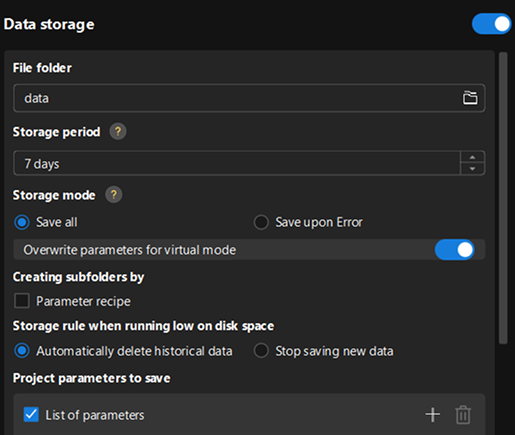
To adjust the data storage path, click
 in the File folder to select another storage path.
-
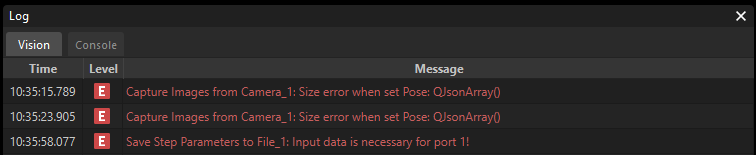
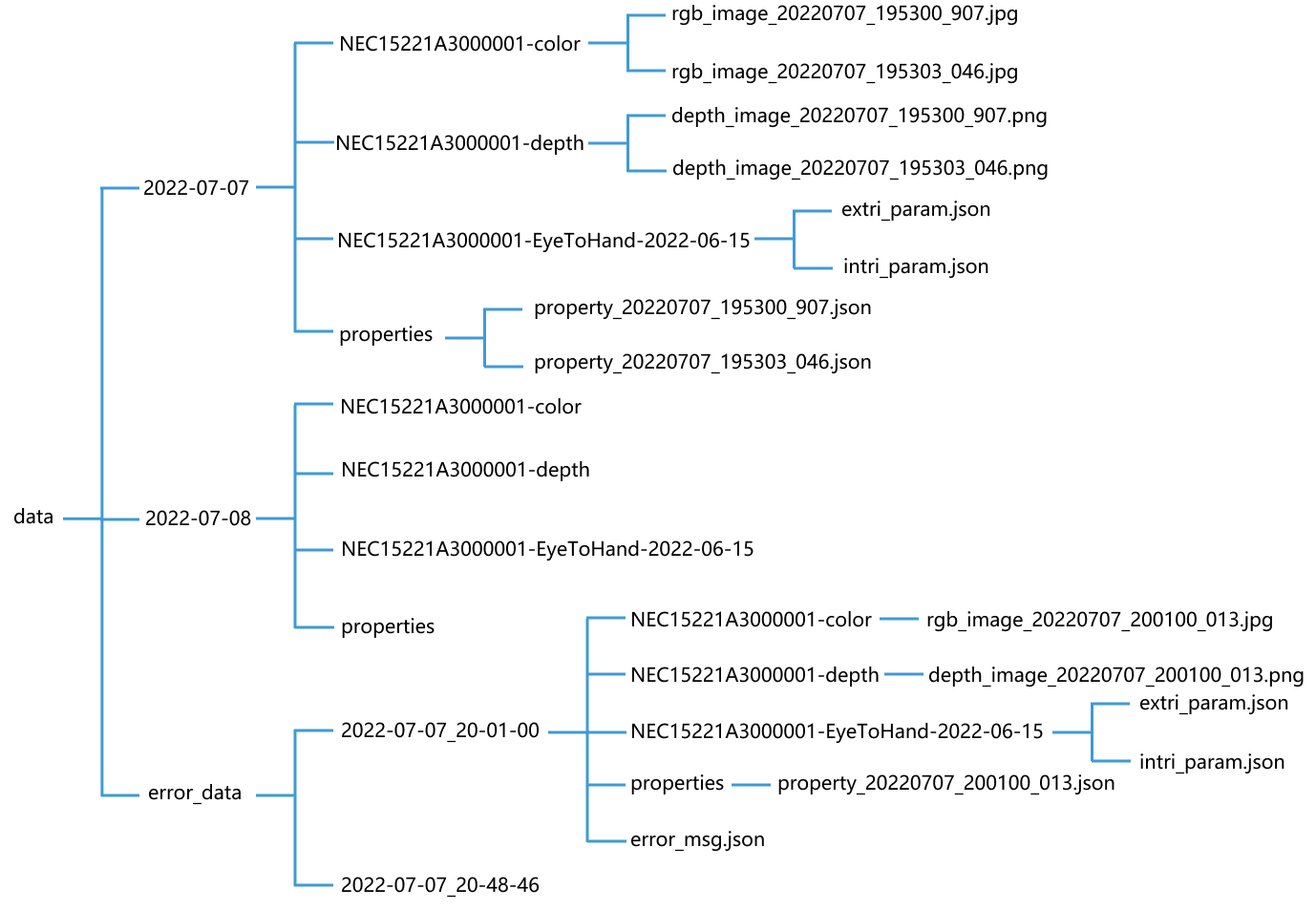
When errors of the E level occur in the project, the abnormal data will be stored in the error_data folder in the data folder.
-
If the current project does not contain any data-saving Steps, enabling the Data Storage feature saves only parameter recipe-related data.
For example, the figure below shows the directory structure and the names of stored files in the data folder. In this example project, the depth maps and 2D images have been obtained by the “Capture Images from Camera” Step. The names of image files are added with timestamps, which indicate the date and time of the day when the images are captured.
-
The Data Storage tool enables to save data when multiple cameras are used. If there are multiple “Capture Images from Camera” Steps in the Mech-Vision project, the data derived from all the cameras will be automatically saved.
-
If the depth map saved in Mech-Vision 2.0.0 is used in the “From Depth Map to Point Cloud” Step of a previous version software, an “Invalid depth map” error will occur.
-
-
Click
 in the Storage period section to set the retention time range for the data. Once the set number of days is exceeded, new data will overwrite earlier data.
 -
Select a storage mode according to the actual needs. The data of software exceptions will be saved in either of the two modes.
To overwrite existing parameters with stored parameters during virtual mode playback, you can select the Overwrite parameters for virtual mode option.
-
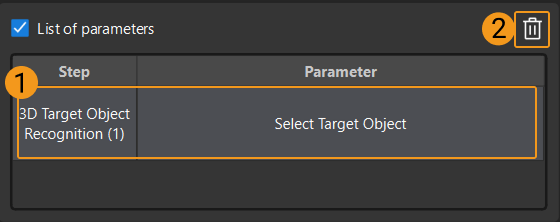
Save project parameters.
To save Step parameters, select the Step parameters you want to save under the list of parameters, so that the Steps can run successfully during data playback.
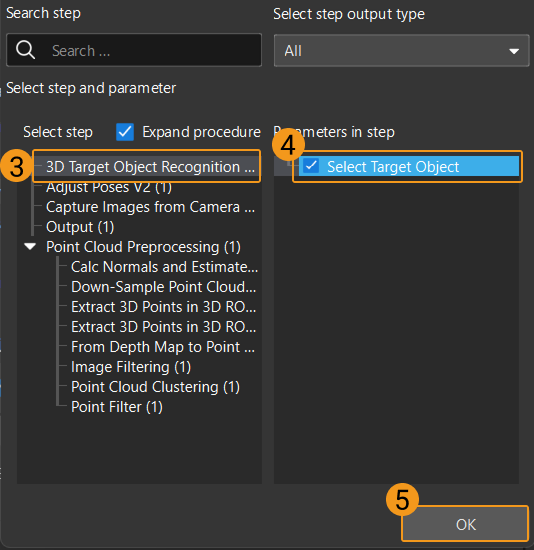
Select List of parameters, click
 . Select the Step and relevant parameters you want to save in the pop-up Select Step Parameters window, and then click OK.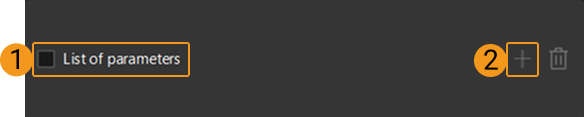
To delete a selected parameter of a Step, select the parameter in the Step parameter list and then click
 .
.