Solution Access Control
This section introduces the functions and usage of solution access control.
Function
Mech-MSR provides solution access control. By managing the permissions of roles at different levels, this feature effectively reduces the risk of data leakage and improves solution security.
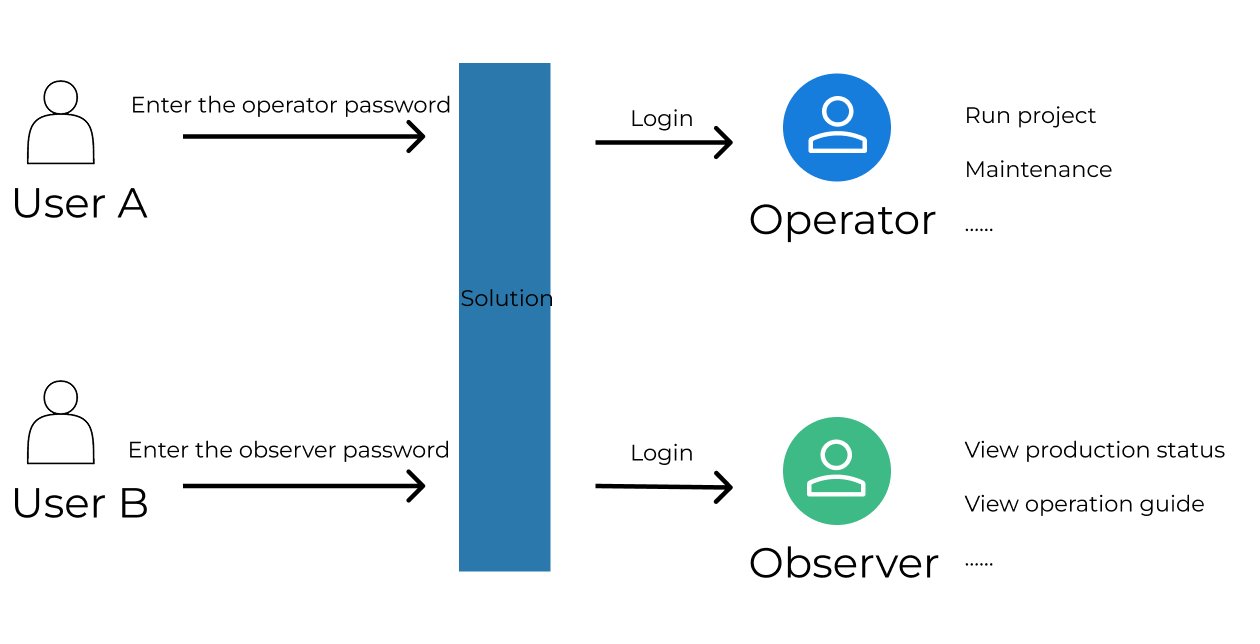
After solution access control is enabled, all users must log in before accessing the solution. They obtain the permissions assigned to them only after logging in successfully.
As shown below, users must log in before accessing the solution. After logging in successfully, they obtain the corresponding permissions.
To access this feature, select from the menu bar or right-click the solution name in the project list and select Solution Access Control from the shortcut menu. When using this feature in a solution for the first time, you must add an administrator first.
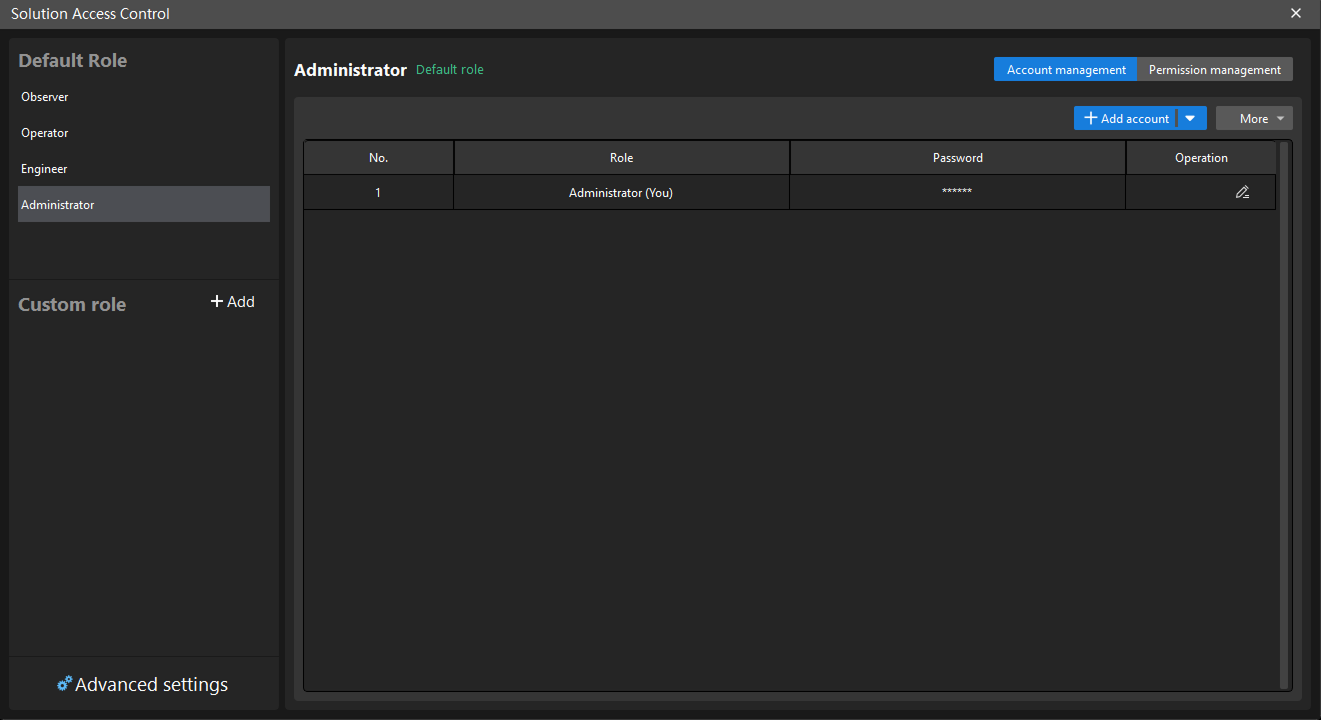
The following figure shows the main interface of Solution Access Control.
Reading Guide
If you are an administrator, read the following section to learn how to manage solution access control.
If you are another user, such as an Observer or Operator, read the following section to learn how to use solution access control.
For details about each permission, read the following section.