Data Visualization Window of Mech-MSR
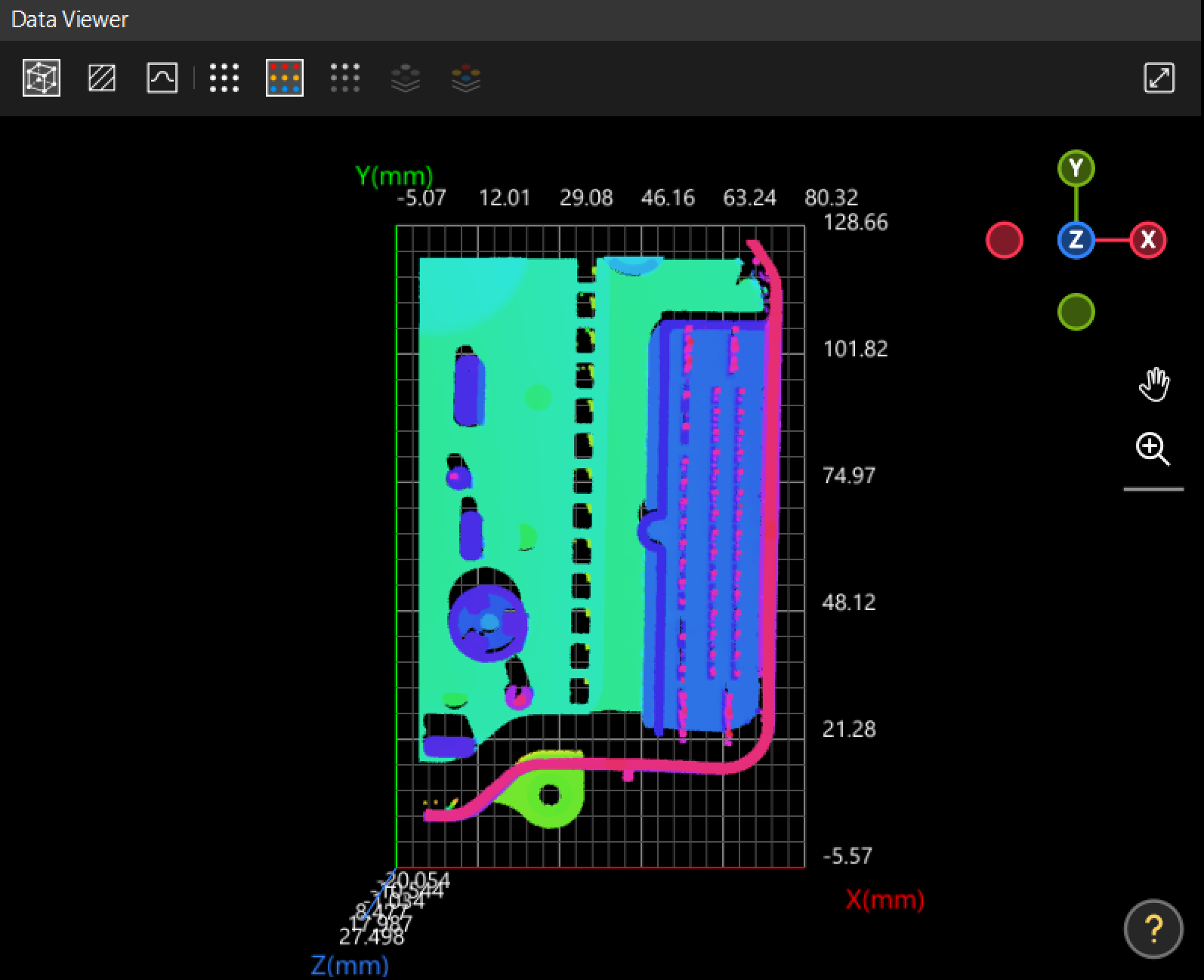
The data visualization window can be divided into 2D Data View and 3D Data View, which are used to visualize various input and output data, display and set ROIs or feature regions, etc.
|

See also
The data visualization window can be divided into 2D Data View and 3D Data View, which are used to visualize various input and output data, display and set ROIs or feature regions, etc.
|
See also
We use cookies to provide you with the best possible experience on our website. By continuing to use the site, you acknowledge that you agree to the use of cookies. If you decline, a single cookie will be used to ensure you're not tracked or remembered when you visit this website.