Create Object Model

You are currently viewing the documentation for the latest version (2.2.0). To access a different version, click the "Switch version" button located in the upper-right corner of the page.

■ If you are not sure which version of the product you are currently using, please feel free to contact Mech-Mind Technical Support.

Function

This Step is used to automatically generate point clouds of different shapes according to the specified “Model Type”.

Usage Scenario

This Step is used to automatically generate point clouds of specified shapes that can be used as point cloud models.

Input and Output

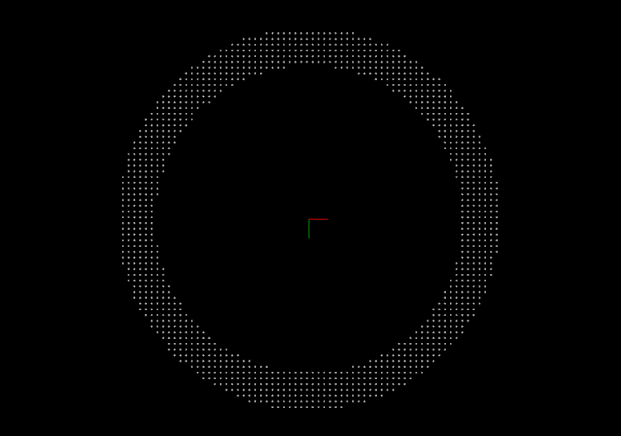
Taking the creation of the point cloud of a single ring as an example, the input and output of this Step are shown below.

Input

Input port Data type Description

Radius

Number[] -

The radius of the cylinder model.

Sampling Interval

Number[] -

The spacing between points in the point cloud.

Output

Output port Data type Description

Point Cloud (with normals)

PointCloud/XYZNormal

Point cloud model created.

The input port of this Step is optional, i.e., the size information of the point cloud model can be set either through the input port or through Step parameters.

Parameter Description

General Parameters

Parameter Description Image

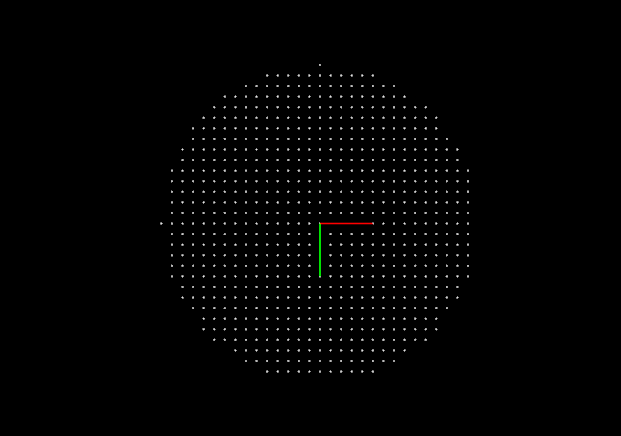
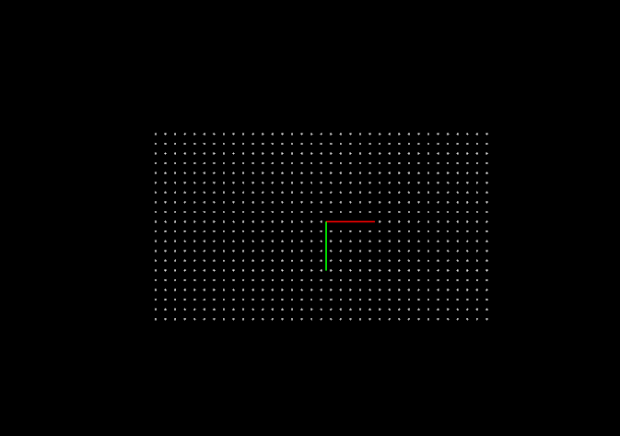
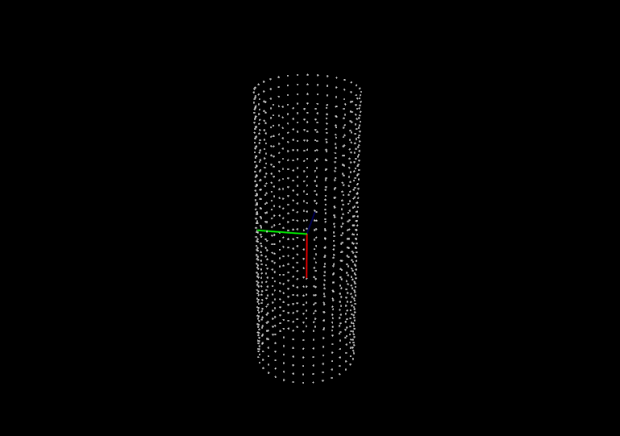
Object Type

Description: This parameter is used to select the type of object for model creation.
Value list: Circle, Single ring, Rectangle, Cylinder curved surface, as shown in the right figure.

culindrical face model

single ring model

rect model

arc surface model

Parameter Description

Model Type

Description: This parameter is used to select the type of model to be generated.
Value list: Surface model, Edge model.

Sampling Interval

Description: This parameter is used to set the sampling interval for downsampling point cloud (in mm). A larger value produces a sparser point cloud, while a smaller value produces a denser point cloud.
Default value: 1.000 mm

Object Type-Specific Parameters

Circle

Parameter Description

Radius

Description: This parameter is used to set the radius of the circle (in mm).
Default value: 1.000 mm

Single ring

Parameter Description

Outer Radius

Description: This parameter is used to set the outer radius of the ring (in mm).
Default value: 1.000 mm

Inner Radius

Description: This parameter is used to set the inner radius of the ring (in mm).
Default value: 1.000 mm

Rectangle

Parameter Description

Length

Description: This parameter is used to set the length of the rectangle (in mm).
Default value: 1.000 mm

Width

Description: This parameter is used to set the width of the rectangle (in mm).
Default value: 1.000 mm

Angle

Description: This parameter is used to set the angle between the long side of the rectangle and the X-axis (in °).
Default value: 0°

Cylinder curved surface

Parameter Description

Cylinder Height

Description: This parameter is used to set the height of the cylinder (in mm).
Default value: 1.0 mm

Cylinder Radius

Description: This parameter is used to set the radius of the cylinder (in mm).
Default value: 1.000 mm

Is this page helpful?

You can give a feedback in any of the following ways:

We Value Your Privacy

We use cookies to provide you with the best possible experience on our website. By continuing to use the site, you acknowledge that you agree to the use of cookies. If you decline, a single cookie will be used to ensure you're not tracked or remembered when you visit this website.