Picking Simulation
This section introduces the Picking Simulation tool and its usage.
Function
The Picking Simulation tool is a built-in simulation tool in Mech-Viz, used to verify robot picking solutions in a virtual environment. It mainly provides two functions: virtual scene generation and picking verification.
This tool supports building simulation scenes that include carriers, target objects, and cameras, simulating the complete target object recognition and picking process. It verifies the reachability, grip stability, bin clearance rate, and collision avoidance effectiveness of robot picking, identifying potential risks such as collisions and missed picks in advance, and assisting in risk assessment and strategy optimization before on-site commissioning.
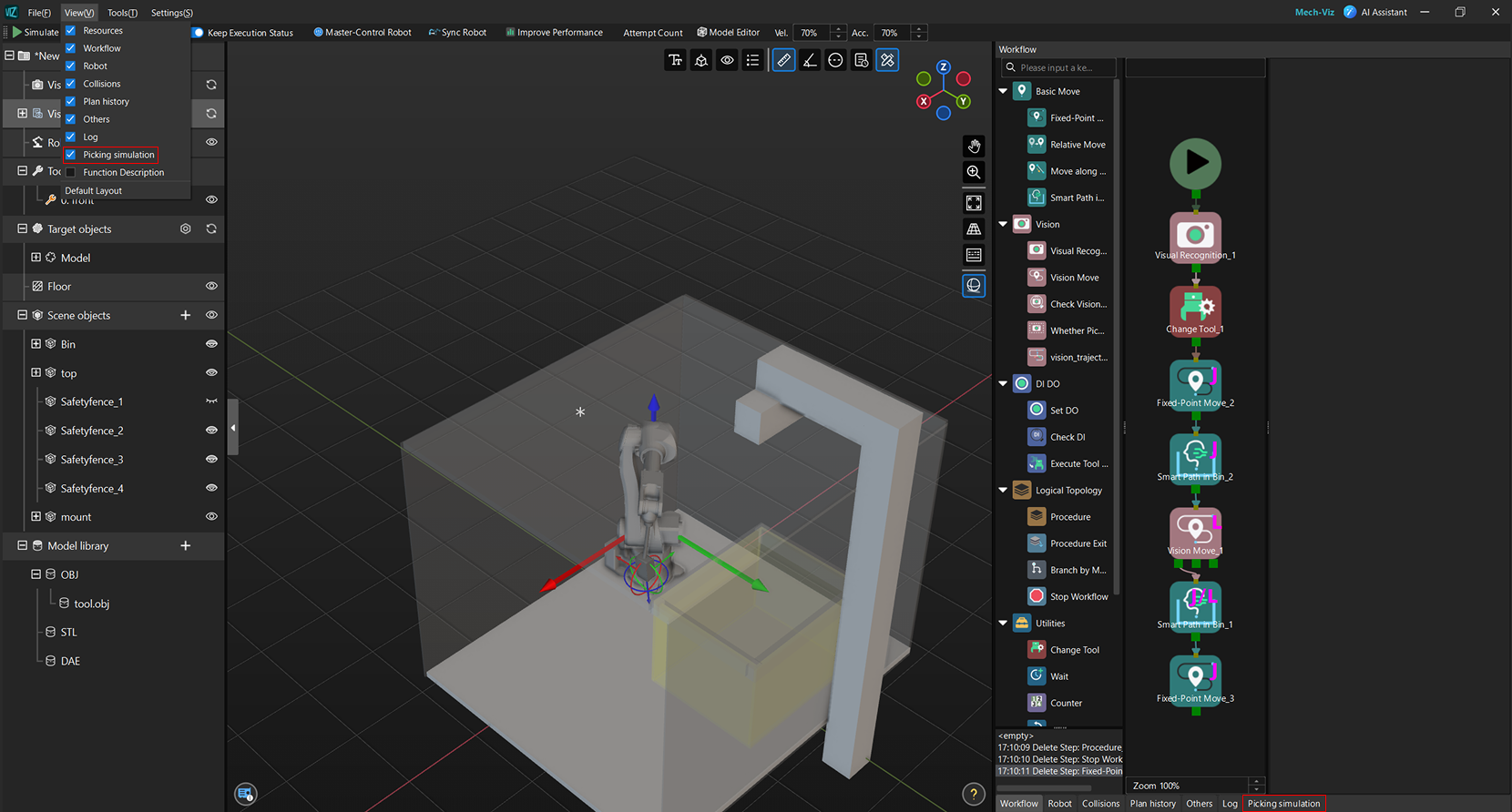
| After opening Mech-Viz, the functional panel usually displays the Picking Simulation interface by default, and you can start configuring directly. If this interface is not displayed, click View in the top menu bar and select Picking simulation. |
Usage Workflow
The procedure for using this tool is as follows.

-
Layout simulation: Generate the target object layout scene required for picking in a virtual environment. By flexibly configuring carriers, number of target objects, placement modes, and poses, the simulation scene closely approximates the actual production conditions to meet diverse layout requirements.
-
Pick settings: Based on the generated target object scene, configure picking strategies, and properly set pick filtering conditions and sorting rules to improve the robot’s pick success rate and stability. In addition, flexible handling of failed picks helps optimize the overall picking process.
-
Camera deployment (optional): Deploy a real camera model in the simulation scene to verify whether the camera’s field of view can cover the on-site workstation, perform camera collision detection, and support saving image data acquired by the camera during simulation for subsequent vision recognition workflow debugging.
-
Simulation verification: Execute picking simulation based on the current scene and strategy configuration, and perform statistical analysis on the picking process and results to identify and optimize potential issues in the solution.