Extract 3D Points in 3D ROI
Function
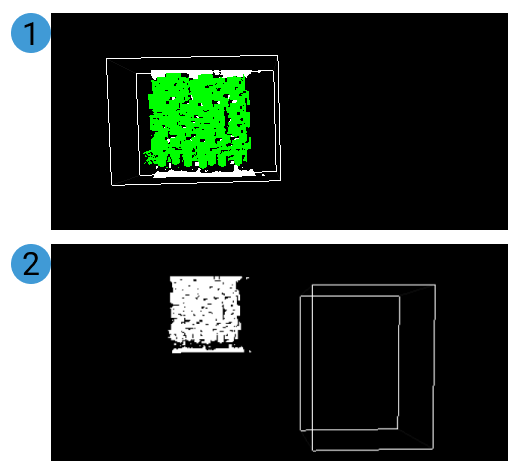
Set a Region of Interest (ROI) in 3D space, and the points within the region will be extracted and points outside the region will be eliminated.
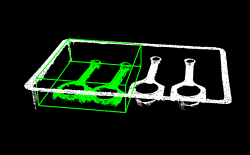
Usage Scenario
This Step enables to extract point cloud of the target object and avoid interference from background and outliers.
Parameter Description
| Parameter | Description | Illustration |
|---|---|---|
3D ROI Name |
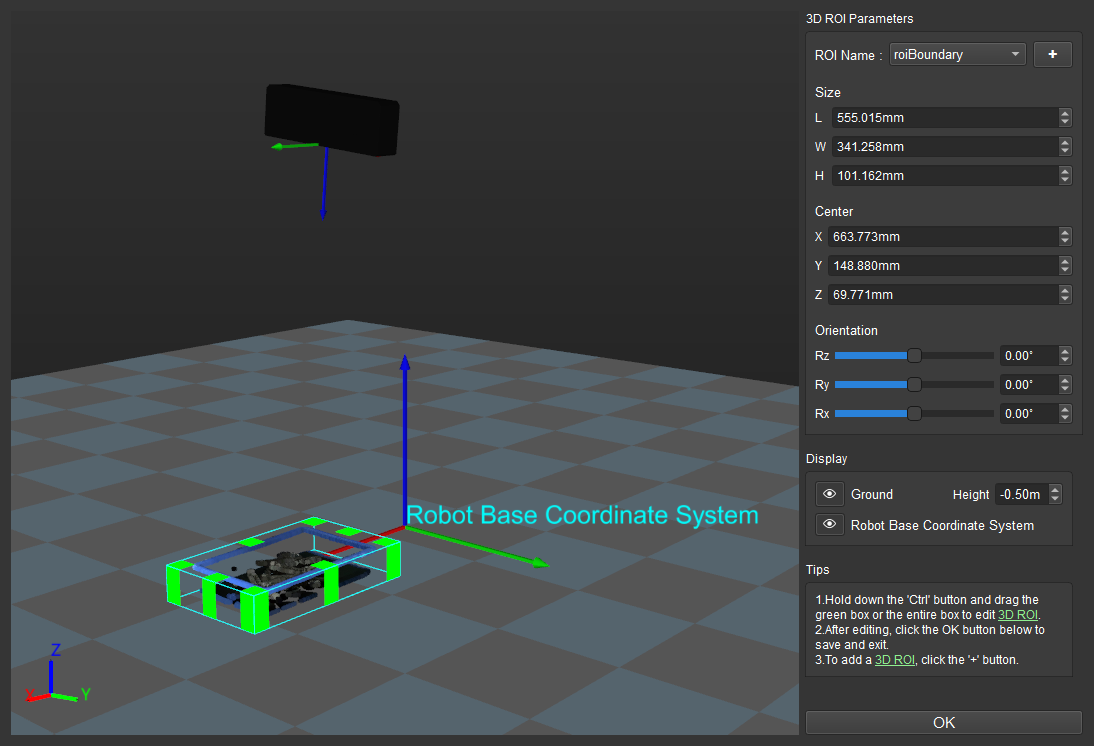
Instruction: Click the Open the editor button and set the 3D ROI in the “Set 3D ROI” window. For detailed instructions, please refer to Set 3D ROI. |
|
Input Point Cloud Reference Frame |
Default value: Camera Frame
|
|
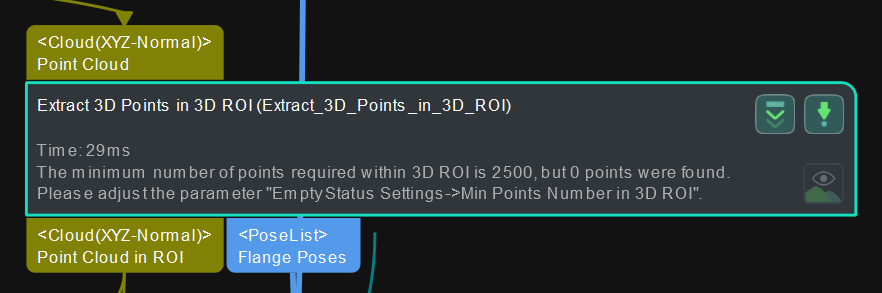
Min Point Count in 3D ROI |
Default value: 0
|
|
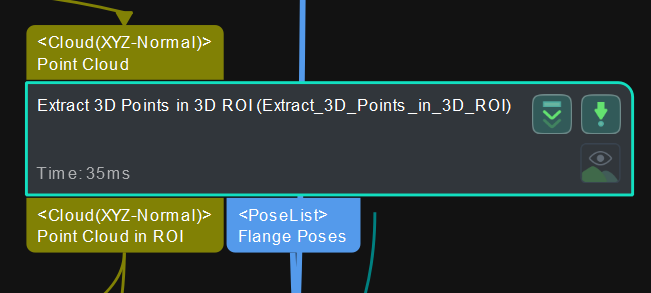
Send Empty Status of Points in 3D ROI |
Default value: Selected
|
|