Full/Partial Inspection Editor
This section describes how to use the full/partial inspection editor. The full/partial inspection editor is an advanced feature intended for users with professional measurement knowledge.
|
If needed, you can use the full/partial inspection editor to set the inspection mode of each measurement item to either full or partial inspection. Under normal circumstances, full dimensional measurement can be performed on parts at a specified frequency, while key dimensional measurement is applied to the remaining parts.
If this is not required, the full/partial inspection editor can be left unconfigured, and the existing inspection settings of the project will be used. The following explains how to use the full/partial inspection editor.
-
In the upper ribbon of the Configuration interface of the software, select .
-
In the Full/Partial Inspection Editor dialog box, select Full inspection or Partial inspection for each measurement item.
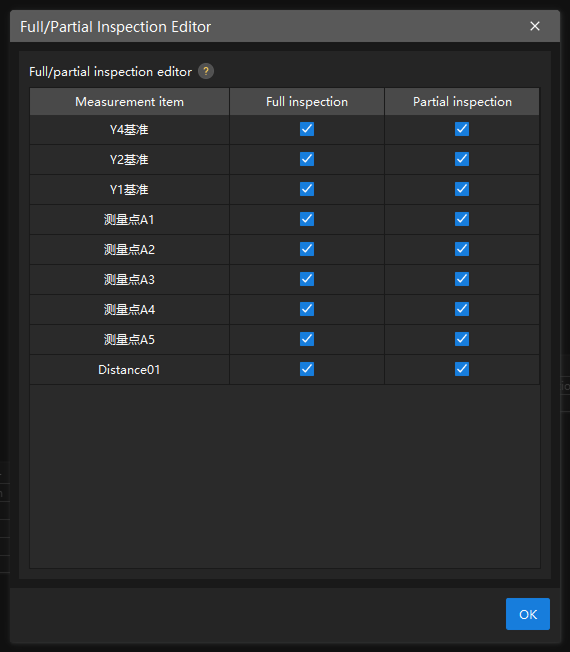
If you do not configure the editor, full inspection is checked for all measurement items by default. In this case, all dimensions of the items will be measured.