Measure Sphere
Description
You can use this Step to fit a sphere from the surface data and calculate the sphere’s radius and center.
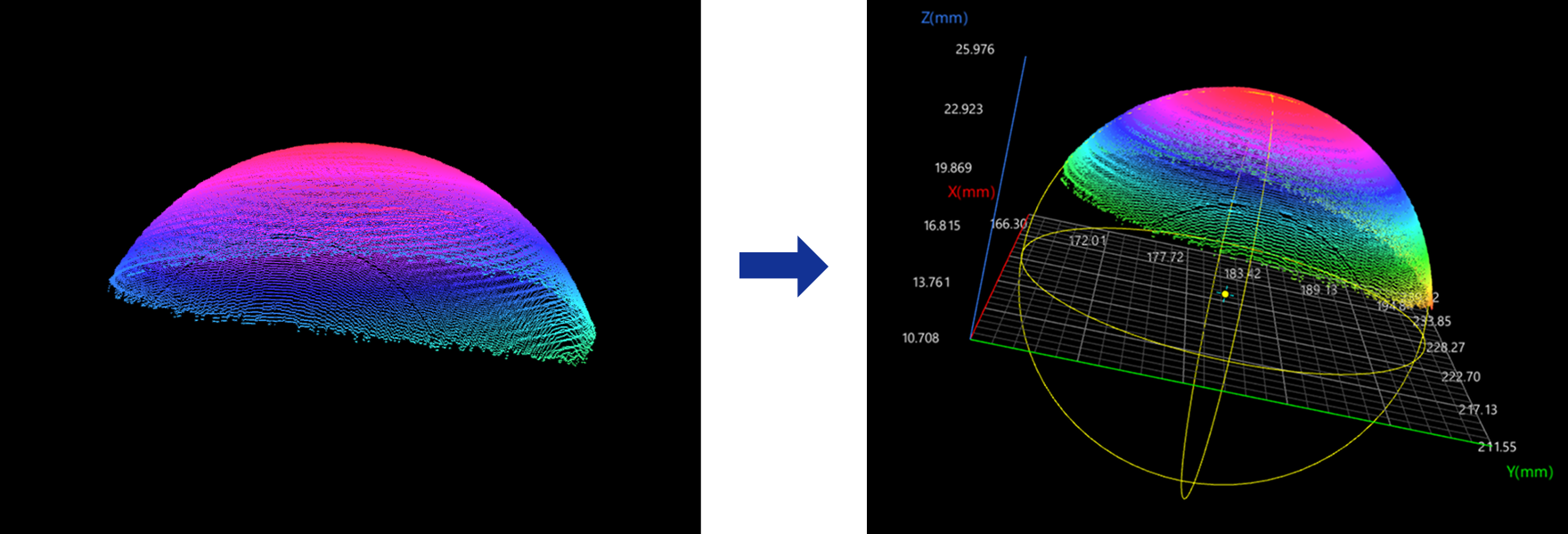
Workflow
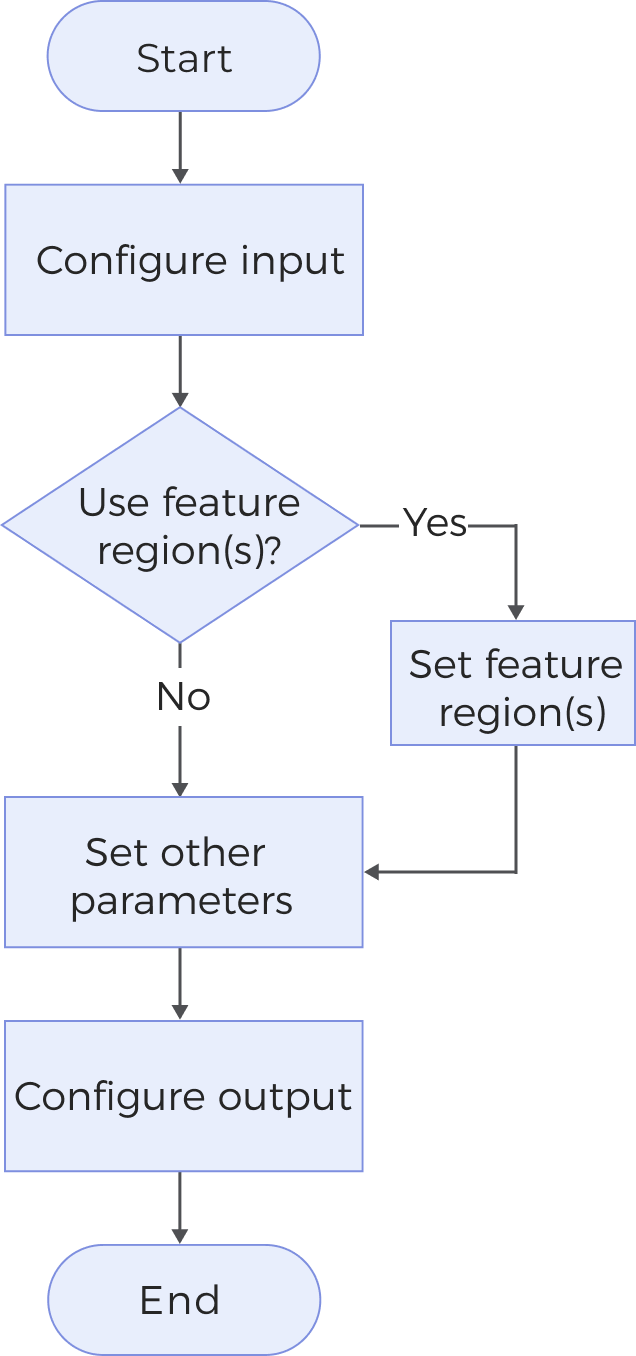
The process of configuring this Step is shown below:
-
Configure the input. Connect the Step ports in the graphical programming workspace or select the input under Input in the parameter configuration panel.
-
Determine whether to use a feature region.
-
Set other parameters.
-
Select the desired output items under Output. For an expandable output item, click ▶ and configure the Lower Limit and Upper Limit values to set the acceptable range.
Parameters
| Parameter | Description |
|---|---|
Use Feature Region |
When unselected, the Step processes all of the surface data to fit the sphere. Otherwise, the Step only processes the surface data defined by the feature region(s).
|
Outlier Fraction |
The percentage of outliers to be removed during sphere fitting. |
Output Description
Select the output items, and the corresponding data will be output after the Step is run. You can select the output according to the actual measurement requirements.
|
If you select an expandable output item, you must expand it by clicking ▶, and then set the Lower Limit and Upper Limit values to determine the acceptable range. If the output value falls within the acceptable range, the measurement item is judged as passing (OK), or else it is judged as failing (NG). |
| Output item | Description |
|---|---|
Sphere Center X/Y/Z |
The location of the center of the fitted sphere. |
Radius |
The radius of the fitted sphere. |
Standard Deviation |
The standard deviation of the distance from points to the surface of the sphere. |
Center of Sphere |
The center of the fitted sphere. |
Troubleshooting
|