Step Library of Mech-MSR
The Step Library provides all the Steps you need to build a project for data acquisition, alignment, data processing, locating, and measurement.
|
Switch the Step Library Tab
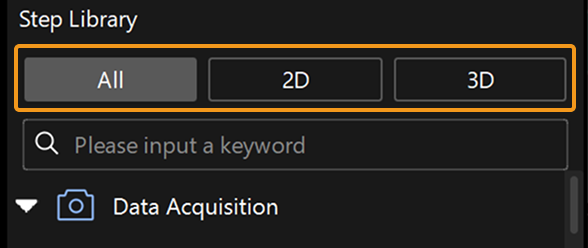
The Step Library supports switching between Steps with different display ranges through tabs.
-
All: displays all Steps in the Step Library.
-
2D: displays Steps suitable for 2D scenarios.
-
3D: displays Steps suitable for 3D scenarios.
Expand and Collapse Steps
-
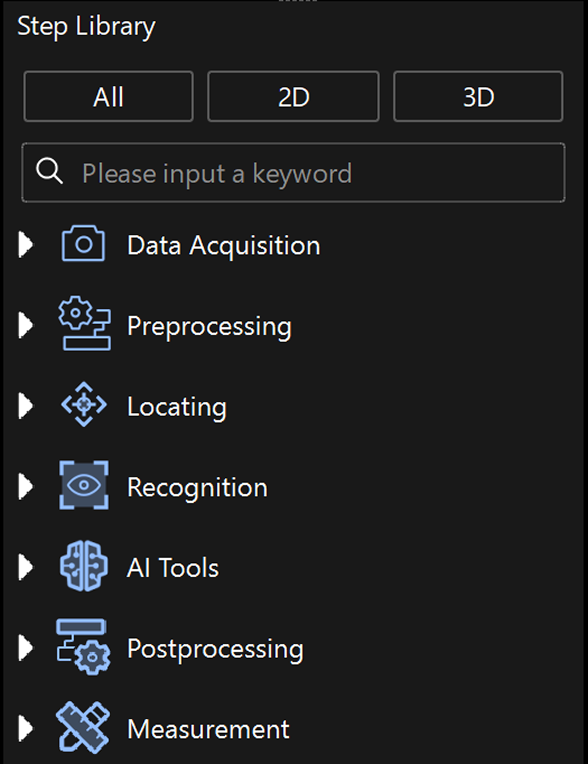
Expand and collapse all Steps
Right-click in the Step Library panel and select Expand or Collapse to expand or collapse all Steps.
-
Expand and collapse some Steps
Click ▶ to expand a single Step category and click ▼ to collapse the displayed Steps or Step category.
Search for a Step
You can enter a keyword or the full name of a Step in the search box of Step Library to find the Step.
-
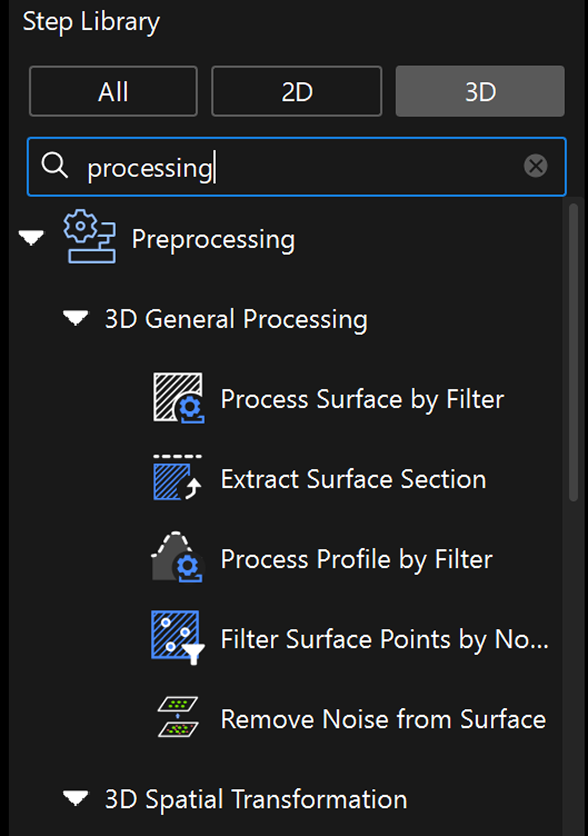
Search by keywords
For example, when the keyword “process” is used, the Step Library will display all relevant search results.
-
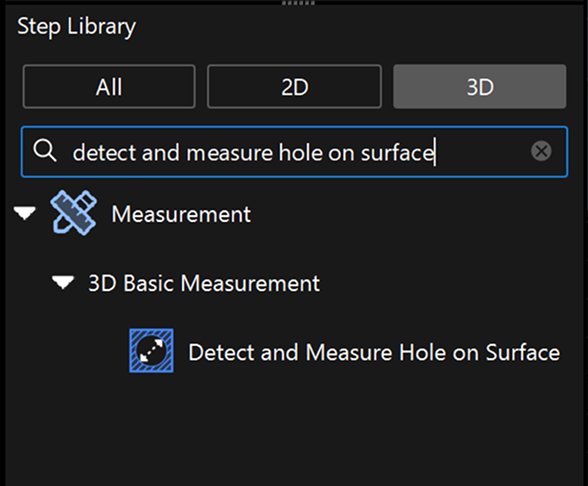
Search by full name
For example, you can enter the full name “detect and measure hole on surface” in the search box, and the Step Library will display the Step and the corresponding category.
See also