Mech-DLK User Manual
What Is Mech-DLK?
Mech-DLK is machine vision deep learning software independently developed by Mech-Mind. With a variety of built-in industry-leading deep learning algorithms, it can solve many problems that traditional machine vision cannot handle, such as highly difficult segmentation, positioning, and classification.
Through intuitive and simple UI interactions, even without programming or specialized deep learning knowledge, you can quickly implement model training and validation with Mech-DLK.
You only need to collect image data and import it into Mech-DLK to train a model, which can then be applied to robotic picking guidance, high-precision measurement, quality inspection, and other scenarios.
Basic: Single Algorithm Modules
The software contains the following algorithm modules. Click See more to learn about the features of relevant algorithm modules and use them according to actual needs.
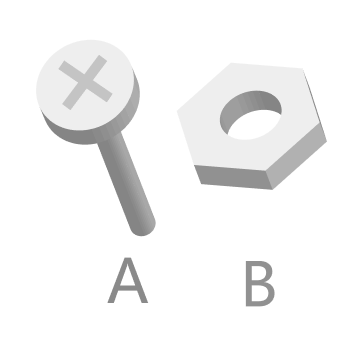
Recognizes object front and back faces, object orientations, and defect types and determines whether objects are missing, or whether objects are neatly arranged.
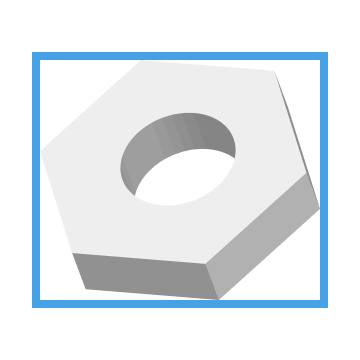
Detects the positions of all target objects and recognizes their classes at the same time.
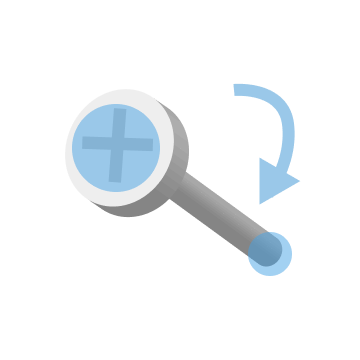
Recognizes the object orientation in an image and corrects the image based on the recognition result.

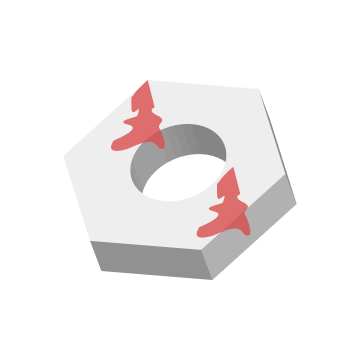
Segments the contour of target objects and outputs the corresponding labels of the classes.



Advanced: Tree-Structured Algorithm Modules
In addition, the software supports three ways of combining multiple algorithm modules—serial, parallel, and hybrid serial-parallel—to handle complex application scenarios with multiple concurrent business requirements.
It is recommended to fully understand the functionality of each algorithm module before combining modules based on actual requirements. You can read the Tree-Structured Algorithm Modules to learn about common combinations and limitations.